

















Why Parking Mode Matters More Than Most Drivers Realise
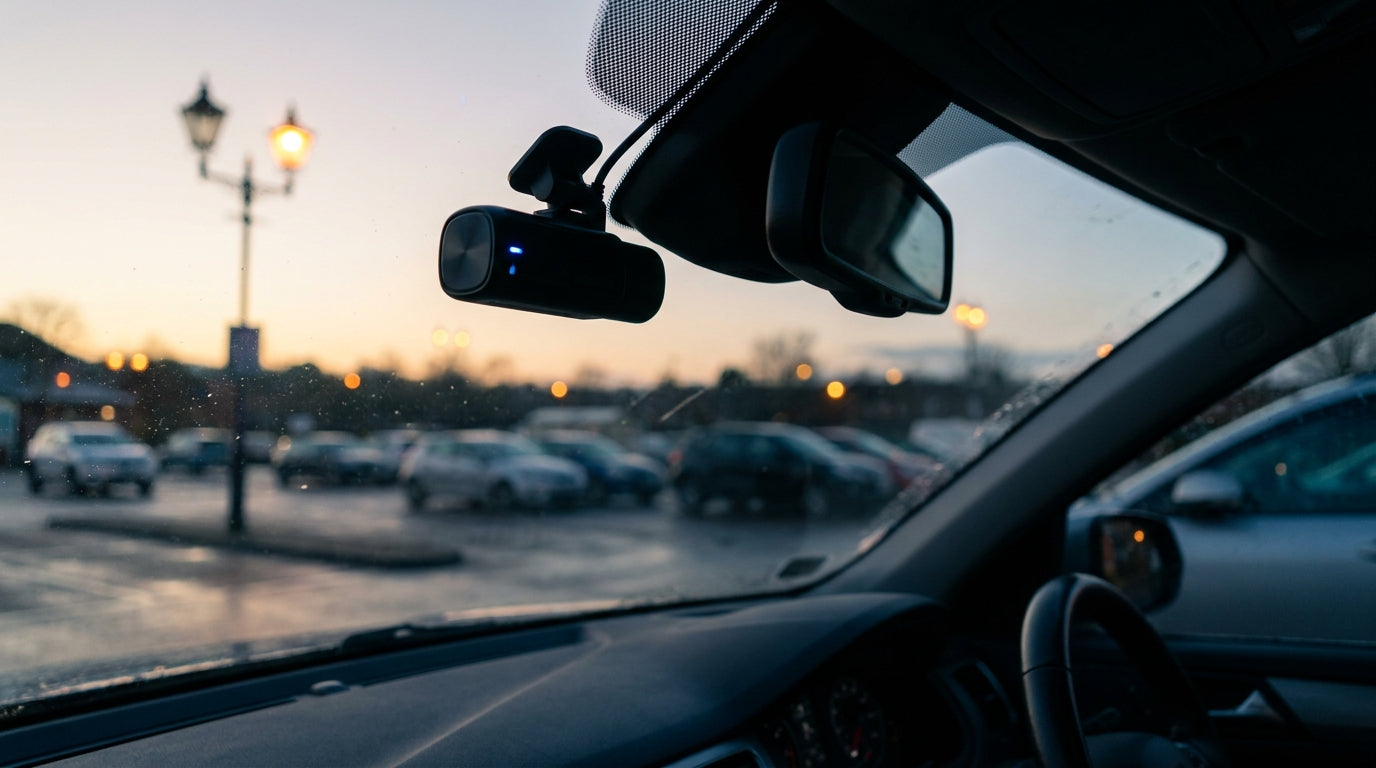
Your dash cam works hard while you drive, but your car spends most of its life parked. A typical commuter drives for roughly two hours a day, leaving around 22 hours where a standard dash cam sits idle and your vehicle is completely unprotected.
That gap matters. Roughly 35% of all UK vehicle damage claims involve a stationary car, and nearly 31% of insurance claims originate from car parks or stationary locations. Hit-and-run incidents have risen 12% over the past two years, and a Gocompare.com survey found that 43% of UK drivers who hit a parked car drove off without leaving their details — approximately 1.7 million drivers walking away from damage they caused.
Parking mode footage can reduce insurance claim disputes by 30–60%. But the footage is only useful if your dash cam actually captures the incident. That is where trigger choice becomes a genuinely important decision, not just a settings menu to ignore.
The Three Main Parking Mode Triggers Explained
There are three primary ways a dash cam can wake up and start recording while your car is parked: G-sensor (impact-based), motion detection (optical), and time-lapse (reduced frame rate). Each has a specific strength and a specific failure mode that many guides gloss over.
These triggers are not mutually exclusive. Most quality dash cams support multiple triggers running simultaneously, and combining them is often the smartest approach. There is also a premium fourth variant worth knowing about: buffered recording, where the camera continuously writes into a circular buffer and saves pre-event footage when a trigger fires, giving you context before the incident occurred.
Each trigger is explained honestly below, including where it falls short.
G-Sensor (Impact Detection): Best for Collision Evidence
A G-sensor puts your dash cam into a low-power sleep state and wakes it only when the built-in accelerometer detects a bump, collision, or vehicle movement. Because the camera is not actively recording or processing video while asleep, this is the most battery-efficient trigger type available.
Sensitivity is typically adjustable across three levels: low, medium, and high. For everyday UK use, medium sensitivity is the recommended starting point. It strikes a balance between catching genuine impacts and filtering out background vibrations.
The SD Card Paralysis Failure Mode
If the G-sensor sensitivity is set too high, the camera triggers from door slams in neighbouring bays, passing lorries, thunderstorms, and road vibrations from nearby traffic. Each false trigger locks a file to protect it from being overwritten. Over days or weeks, thousands of locked files accumulate, filling the SD card completely. When a real collision finally happens, there is no space left to record it.
This is a documented, real-world problem, not a theoretical risk.
UK-Specific Calibration Tip
Residential streets with speed bumps and narrow car parks generate more ambient vibration than a motorway services bay. If you park in these environments, start with a lower sensitivity setting and adjust upward only after a few days of testing. G-sensor mode is ideal for quiet residential streets and overnight parking where physical impact is the primary concern.
Motion Detection: Best for Vandalism and Theft Attempts
Motion detection keeps the camera constantly monitoring its field of view and triggers full-resolution recording the moment movement is detected. This makes it the most useful mode for capturing vandalism, break-in attempts, and theft, because it records the person or vehicle approaching, not just the moment of impact.
The Busy-Environment Failure Mode
In a busy car park or on a high street, motion detection can trigger continuously. Passing pedestrians, headlight sweeps, rain on the windscreen, and swaying tree branches all register as movement. The result is an SD card filled with hundreds of useless clips. Worse, loop recording may overwrite genuine incident footage to make room for yet another clip of someone walking past your bonnet.
This is a well-documented frustration among dash cam users who rely on motion detection in urban environments without understanding its limitations.
AI and Radar: The 2025–2026 Solution
AI-enhanced motion detection is changing the picture significantly. Intelligent algorithms can now distinguish genuine threats (people approaching your car, vehicles manoeuvring nearby) from irrelevant triggers such as rain or shadows. Some premium models go further, using microwave radar sensors instead of optical detection to reduce false alerts even more dramatically.
Motion detection is best suited to taxi and rideshare drivers in urban areas, vehicles parked in high-footfall locations, and anyone whose primary concern is opportunistic crime rather than collision damage.
Time-Lapse: Best for Extended Coverage on a Budget
Time-lapse mode records continuously at a reduced frame rate, typically between 1 and 10 frames per second. It captures everything happening around your car without audio, but uses far less storage and power than full-resolution recording.
The storage savings are substantial. At 1 fps, only about 2 minutes of SD card space is consumed per hour of recording. A standard card that holds 2 hours of 4K driving footage can retain over 24 hours of time-lapse history. This makes time-lapse the strongest option for long-duration parking: airport stays, overnight street parking, or multi-day trips where you need broad coverage without worrying about card capacity.
Key Limitations
The reduced frame rate means fast-moving events may not be captured in enough detail. A car clipping your bumper and driving off at speed might appear as a blur across just one or two frames, making it difficult or impossible to read a licence plate. Time-lapse also does not record audio, which removes another layer of potential evidence.
Time-lapse is best suited to commuters on residential streets, families leaving cars at airports, and anyone prioritising broad, extended coverage over fine incident detail.
Which Trigger Is Right for Your Situation? A Practical UK Driver Guide
Rather than picking a best mode in the abstract, match the trigger to your real-world parking environment:
- Daily commuter parked on a quiet residential street overnight: G-sensor at medium sensitivity. Low false-trigger risk, excellent battery efficiency, and strong collision evidence when it matters.
- Taxi or rideshare driver parked in a busy city centre: Motion detection with AI filtering or radar-based detection. Standard optical motion detection will overwhelm your SD card in a high-footfall area, so intelligent filtering is essential.
- Family car left at a supermarket or airport car park for hours: Time-lapse as a baseline, combined with G-sensor event lock-in. You get continuous visual coverage plus automatic protection of any impact footage.
The Hybrid Strategy
Running time-lapse as a baseline with G-sensor event lock-in simultaneously is increasingly recommended by experienced users and industry experts. Time-lapse provides the broad visual record, while the G-sensor ensures any impact is captured at full quality and locked against overwriting. This combination covers more scenarios than any single trigger alone.
Don't Forget the Rear
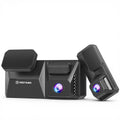
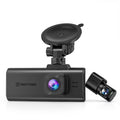
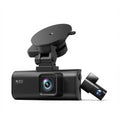
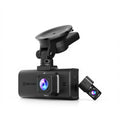
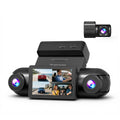
A dual-channel setup with front and rear cameras is worth serious consideration. Around 35% of car park incidents occur at the back of the vehicle, and a front-only camera cannot capture them. Note that trigger modes can behave differently across channels in some models, so check your settings for both cameras.
Practical tip: Always test your chosen parking mode before you rely on it. Trigger a test event, walk around the car, and confirm the footage was saved correctly. This takes five minutes and could save you thousands of pounds in an unresolved claim.
Powering Parking Mode: Hardwiring, Cold Weather, and SD Card Strategy
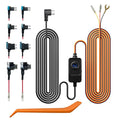
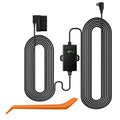
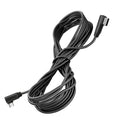
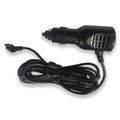
Your car's cigarette lighter socket shuts off with the ignition, so parking mode requires a different power source. The standard approach is hardwiring to a constant 12V fuse circuit with a low-voltage cutoff, typically set around 11.8–12V, to prevent the dash cam from draining your car battery flat.
UK winters add a specific challenge. Car batteries lose 30–50% of their capacity below 0°C, which can shorten parking mode duration significantly. Getting your low-voltage cutoff settings right is especially important for drivers who park outdoors through the colder months.
SD card management ties directly to your trigger choice. Motion detection in a busy area demands a larger card and careful attention to locked file limits. Match your card size and loop recording settings to your chosen trigger type. A 256GB card paired with time-lapse mode can provide days of continuous coverage, while the same card on motion detection in a busy car park might fill up in hours.
Make the Right Choice for Your Car and Peace of Mind
The decision framework is straightforward. G-sensor for quiet overnight parking. Motion detection for high-risk urban environments. Time-lapse for long-duration coverage. Hybrid combinations offer the most complete protection available.
The best parking mode is one that is correctly calibrated, tested, and matched to where you actually park, not just switched on and forgotten. Auto Express consistently lists parking protection among the most requested dash cam features for UK buyers, and for good reason.
Modern dash cams with 4K resolution and Sony STARVIS 2 sensors deliver the image quality needed for licence plate legibility even in dimly lit UK car parks at night. Innovations recognised at CES 2026 and by Security Today in 2025 continue to push parking mode technology forward, with AI filtering and radar detection addressing the failure modes covered in this guide.
Understanding your trigger type is the difference between footage that protects you and footage that misses the moment that matters. Choose the right trigger, test it, and let your dash cam do its job around the clock.


Leave a comment
This site is protected by hCaptcha and the hCaptcha Privacy Policy and Terms of Service apply.